Using Panda Studio
Document your design system visually using Panda Studio.
The standalone @pandacss/studio Astro app is removed in v2. A lighter, CLI-generated studio is coming, see
Studio in v2. The page below is kept as a reference for the v1 app.
Panda Studio
Panda Studio is a visual interface for exploring and understanding your entire design system. It provides a read-only view of your tokens, semantic tokens, recipes, patterns, conditions, and more.
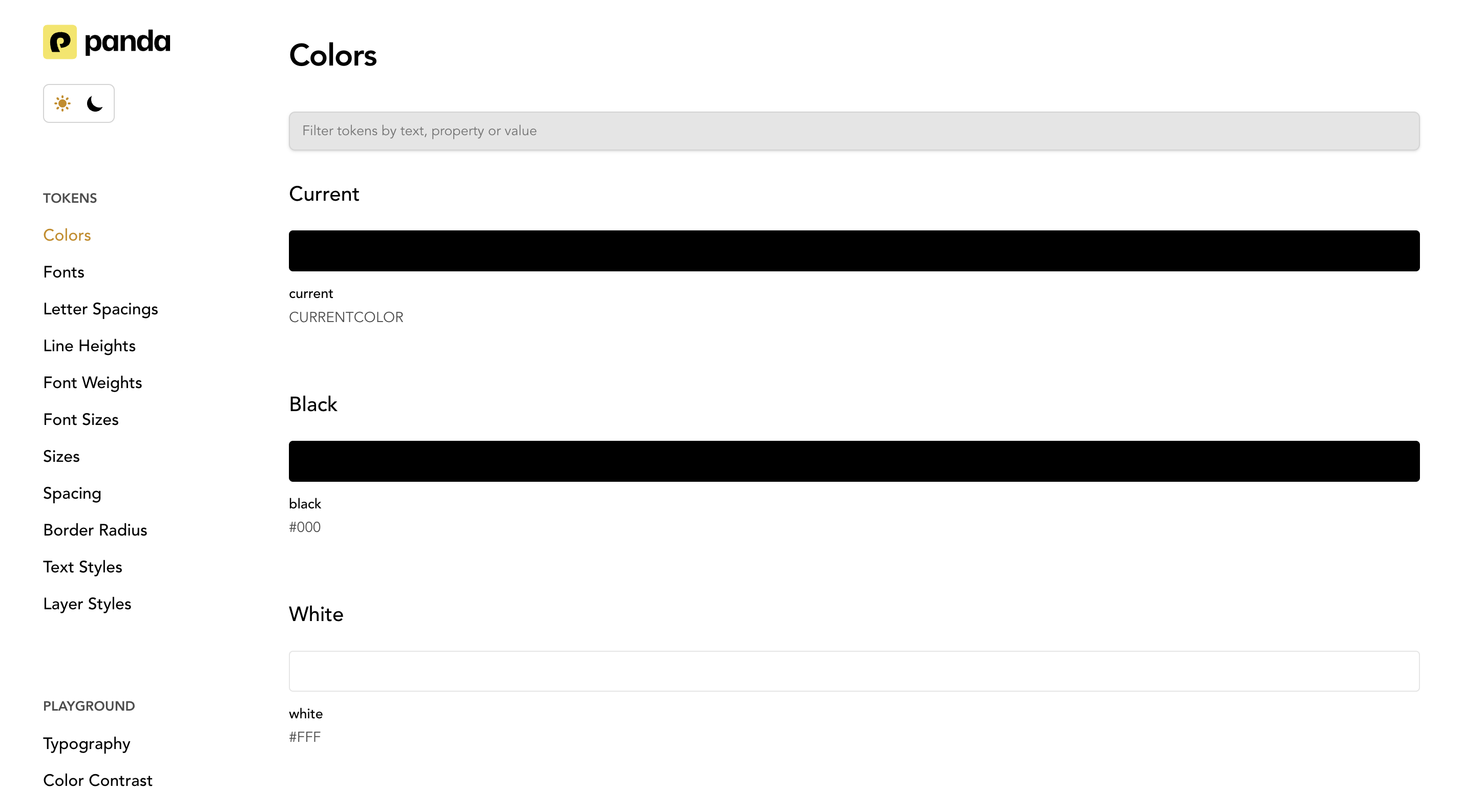
If you don't want to manually generate spec files or build a documentation website, Panda Studio is the easiest option.
-
Studio does not require separate spec generation.
-
Studio generates and visualizes your design system automatically.
-
Studio acts as a fully-featured documentation tool without writing any documentation code.
Spec files are primarily for custom documentation setups and Storybook integrations. Panda Studio is for teams who want instant documentation.
Panda Studio Setup
To use panda studio, first install it:
pnpm i @pandacss/studioNext, launch it locally using:
pnpm panda studioThis starts a local server and launches an interactive dashboard showing all your design system elements. Since Studio
reads your theme configuration directly, any changes to your panda.config.ts will appear automatically the next time
you run it.
You can also deploy the studio as a standalone design system portal for your team.